
App Top Tip: Clear the Clutter with Horse Groups
The Problem: When you are managing dozens of horses, looking at one giant list or calendar is overwhelming. You spend more time scrolling than you do working.
The Solution: Use the Groups feature to segment your yard into “bite-sized” chunks. It’s the easiest way to see only what you need, exactly when you need to see it.
3 Ways to Use Groups Like a Pro:
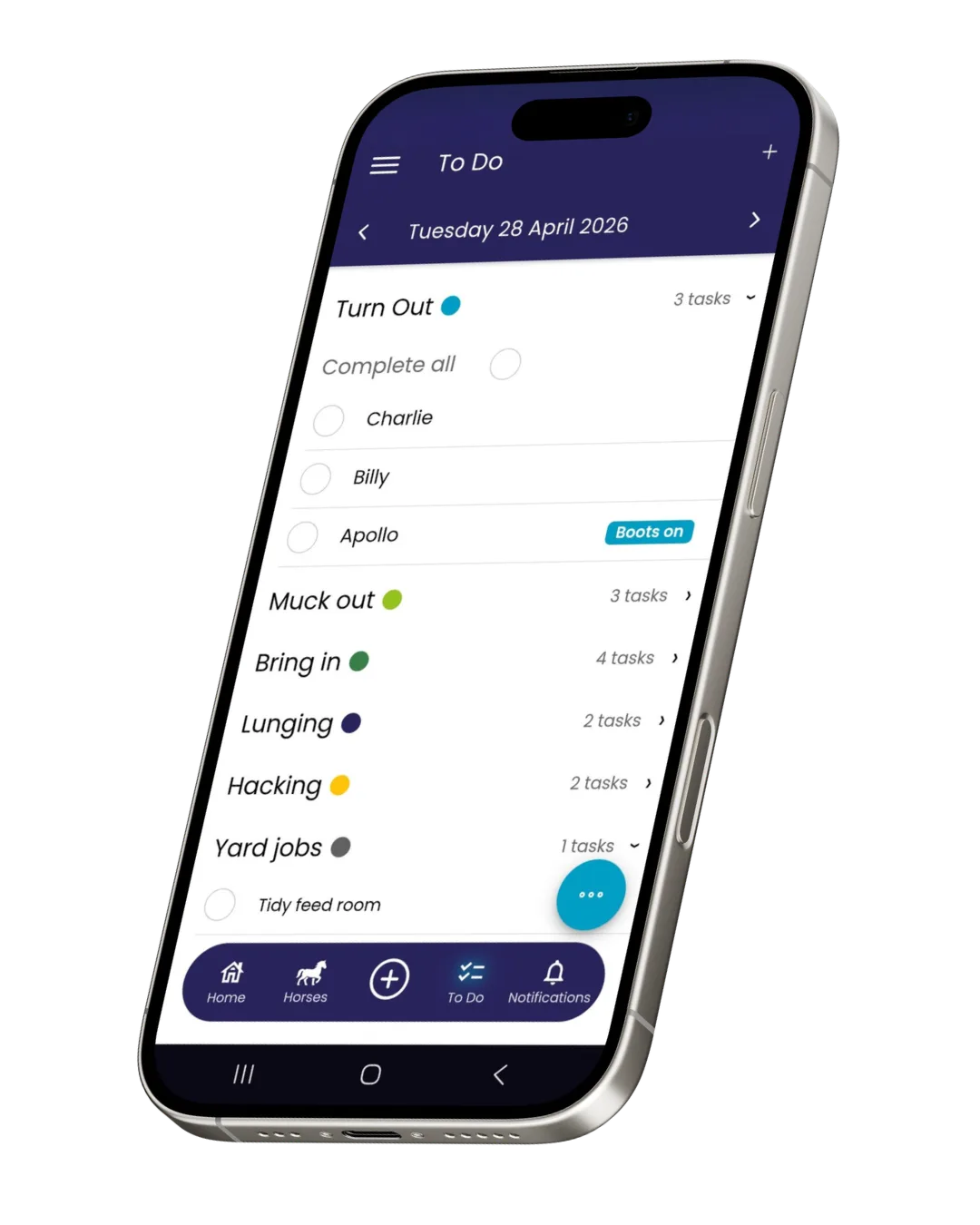
- Filter Your Feed Chart & Task List Organize horses by “Barn A,” “The Hill Field,” or “Schooling Horses.” Instead of a 40-horse list, you can filter the view to see only the horses in front of you. It’s faster, cleaner, and prevents errors.
- Bulk Task Assignments Stop adding the same task 10 times. Create a group like “Full Livery Fields.” When it’s time to poo-pick, just assign the task to the Group. One click updates the list for every horse in that category instantly.
- Smart Calendar Management & Recurring Bookings The calendar is much more powerful when filtered by group.
- Targeted Views: Filter your calendar to see exactly what your “Schooling Group” is doing this week without seeing every other horse’s appointments.
- Recurring Farrier Visits: Create a specific group, such as “Richard’s Farrier Group.” Add them to a calendar event once, set it to recur every 6 weeks, and you’ve just automated your farrier scheduling for the entire year.
The Result: A quieter app, a more focused team, and an automated schedule that runs itself.